
A step-by-step approach to IoT assignments involves understanding the problem, dividing it into modules, planning with pseudocode, coding each part, integrating sensors and communication modules, setting dynamic alerts, testing thoroughly, and documenting your work for clarity and reliability.
The Internet of Things, or IoT, is changing the way developers connect devices, sensors, and communication systems to solve real-world problems. Mainly, because of this, school and college assignments on IoT programming have become more challenging. Usually, the IoT-based programming assignments are more than just writing code. They require planning a complete system that includes sensors, handling data, communication methods, and responses in real time. No matter whether you are building a health monitoring system or a GPS tracking system, it is important to approach the project in an organized and careful way. In case you are unsure how to solve your IoT-based programming assignments accurately, read this blog and follow the step-by-step approach we have suggested.
Understanding IoT Assignments
IoT assignments are tasks that require designing and programming systems where devices and sensors collect, share, and respond to data in real time. IoT programming assignments are different because they involve both hardware and software. Many students find them difficult at first because they try to approach them like regular coding tasks. In fact, these assignments require combining microcontroller programming, sensor data management, and network communication into a complete system.
What makes IoT Assignments Challenging?
Regular assignments focus on outputs from inputs, but IoT projects require you to
- Monitor data from sensors in real time.
- Run the operations continuously instead of just following a simple script.
- Deal with unexpected issues like sensor errors or network problems.
- Connect hardware and software.
Typically, IoT assignments will test not only your coding skills but also your ability to plan, design, and build a complete working system. If you experience any difficulties with your IoT project, you can take Embedded Systems Assignment Help from experts online. As per your requirements, they will guide you in completing your project accurately before the deadline. Also, with their support, you can boost your knowledge and skills.
How to Solve IoT Programming Assignments
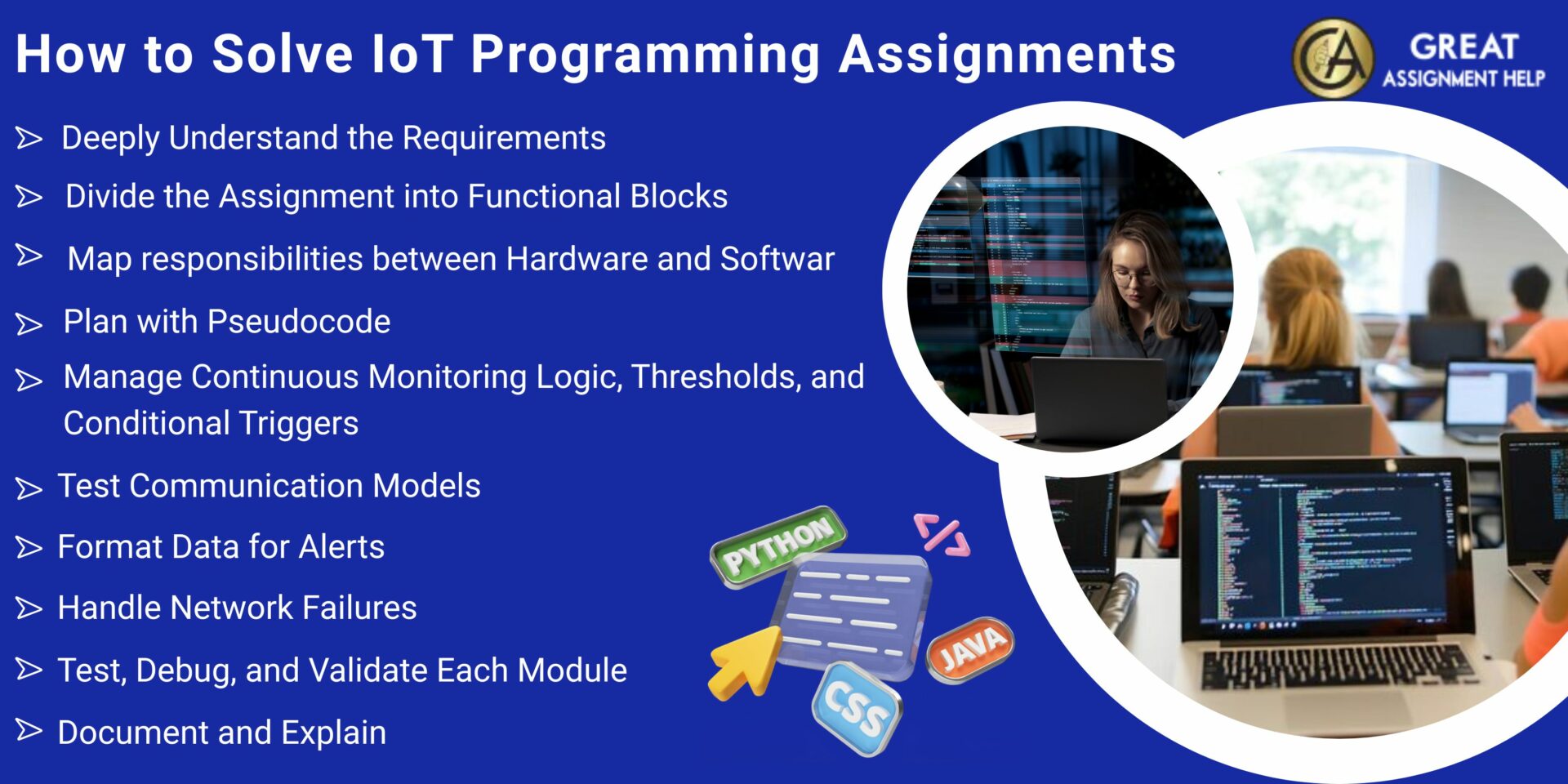
If you want to complete your IoT projects, such as a health or location tracking system, then follow these clear step-by-step guidelines
1. Deeply Understand the Requirements
Before you begin coding, take time to clearly understand what the assignment requires you to do. Ask yourself:
- Which sensors will be used, such as heart rate, GPS, or temperature?
- What events or conditions will trigger actions or alerts?
- How should the data be processed, stored, or sent?
- What should happen if the system loses communication?
Putting the problem in your own words will make it clearer and help you notice important details that might be missed otherwise.
2. Divide the Assignment into Functional Blocks
Break the entire system into smaller, logical parts. This will help you manage and reduce complexity. Specifically, you should perform the following
- Collect information from the hardware.
- Check the sensor data and make sure it is accurate.
- Send and receive data using Wi Fi, GSM, Bluetooth, or other methods.
- Decide when the system should trigger actions or notifications.
- Show the results on a screen or save the data for later.
Remember, working in modules will help you build and test each part separately. Moreover, this will make your code clearer and enable you to debug more easily.
3. Map responsibilities between Hardware and Software
Before you start working on your IoT programming assignment, know which tasks are done by hardware and which are done by your code. Here are some insights regarding it
- Sensors provide raw data, and you should write code to interpret it.
- Communication devices send or receive messages, and you should control when and how this happens.
- You should set up your software to trigger alerts based on the sensor data.
Understanding this will clearly help you organize your system correctly and avoid assigning tasks to the wrong part.
4. Plan with Pseudocode
Prior to writing actual code, take time to create pseudocode that shows how your program will work. Specifically, you should perform the following
- Initialize the system.
- Prepare or calibrate the sensors.
- Enter a loop to monitor the system continuously.
- Check if any values reach certain thresholds.
- Run communication or alert functions as needed.
- Repeat the process.
Even if your teacher does not ask for pseudocode, make sure to plan this way. It will improve your code quality and reduce rework.
5. Manage Continuous Monitoring Logic, Thresholds, and Conditional Triggers
IoT assignments that involve health or location tracking systems usually keep running the code once they start. They:
- Continuously read data from sensors.
- Respond when certain values reach thresholds.
- Send and receive information with servers or mobile apps in real time.
This can create challenges like loops that block communication, slow sensor readings, or missed alerts. Another key concept that many students overlook is using adjustable limit-based alerts rather than fixed values. However, you can fix it by
- Storing the upper and lower limits as variables,
- Changing through input buttons or a settings mode
- Comparing sensor readings dynamically.
With this approach, you can understand the system better and follow real-world expectations.
6. Test Communication Models
GPS, GSM, and WiFi modules are not just add-on components. They work independently and can sometimes fail, be slow, or give wrong data. So,
- Set up routines to process GPS data.
- Create functions to format messages properly.
- Add ways to retry sending data if it fails.
Rather than writing one big function to handle everything, break your program into small, clear routines. This will make it easy for you to test each part and ensure your system works reliably.
7. Format Data for Alerts
Your assignments usually expect information to be easy to understand and useful. Therefore, you should
- Format location data clearly.
- Send health status messages that are easy to read.
- Provide alerts that explain what happened and which data caused it.
An alert should explain why it was triggered and display the relevant data, not just say “ALERT”.
8. Handle Network Failures
Assignments that involve tracking often expect you to handle situations when the network is not available.
- Save the last known GPS location.
- Try sending messages again when the network is back.
- Show alerts locally if remote alerts cannot be sent.
Including this kind of logic will help you understand real-world limitations and can improve your grade.
9. Test, Debug, and Validate Each Module
Testing is more than just running your program and hoping it works. Generally, systematic debugging involves:
- Simulating real-world situations.
- Checking for possible errors, such as network loss or sensor noise.
- Making sure thresholds and data transmission work correctly.
After coding, test each module separately to find errors early and stay organized. If needed, you can also get expert Programming Assignment Help Online for your IoT projects.
10. Document and Explain
Your IoT project is not complete without clear documentation. So, finally, after testing your project, you should include the following and prepare a detailed document
- A description of what each module does.
- The reason you chose the structure of your program.
- Instructions on how to run the program.
- Guidance on what the evaluators should test.
Clear documentation will show how well you have understood your project and help your professors easily assess your work.
Conclusion
IoT programming assignments are like small versions of real software engineering projects. It requires designing a full system with sensors, communication, and real-time operation, not just coding. You can easily complete this assignment by understanding the problem, breaking it into parts, planning, and testing carefully. If it is tough for you to complete your IoT-based programming assignments, call us immediately. Our experts provide the best Assignment Help to complete your project on time and earn top grades.
FAQs
1. How are IoT programming assignments different from normal coding tasks?
IoT assignments combine hardware and software and need real-time data handling, constant monitoring, and communication with other devices, unlike regular coding tasks that mostly focus on producing algorithm results.
2. Which tools and languages are usually used for IoT projects?
Common tools used for IoT projects are Arduino IDE, Python with microcontroller libraries, C or C++ for firmware, and communication protocols like MQTT or HTTP.
3. What should I include in documentation for my IoT assignment?
You should include a description of your system’s modules, explain how each part works, give instructions on how to set up and run the program, and show how to test its functions.